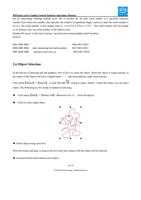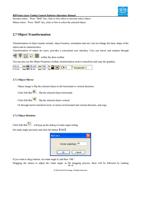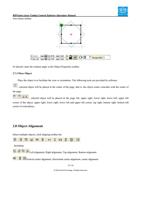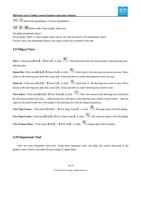
RDVision Laser Cutting Control Software Operation Manual
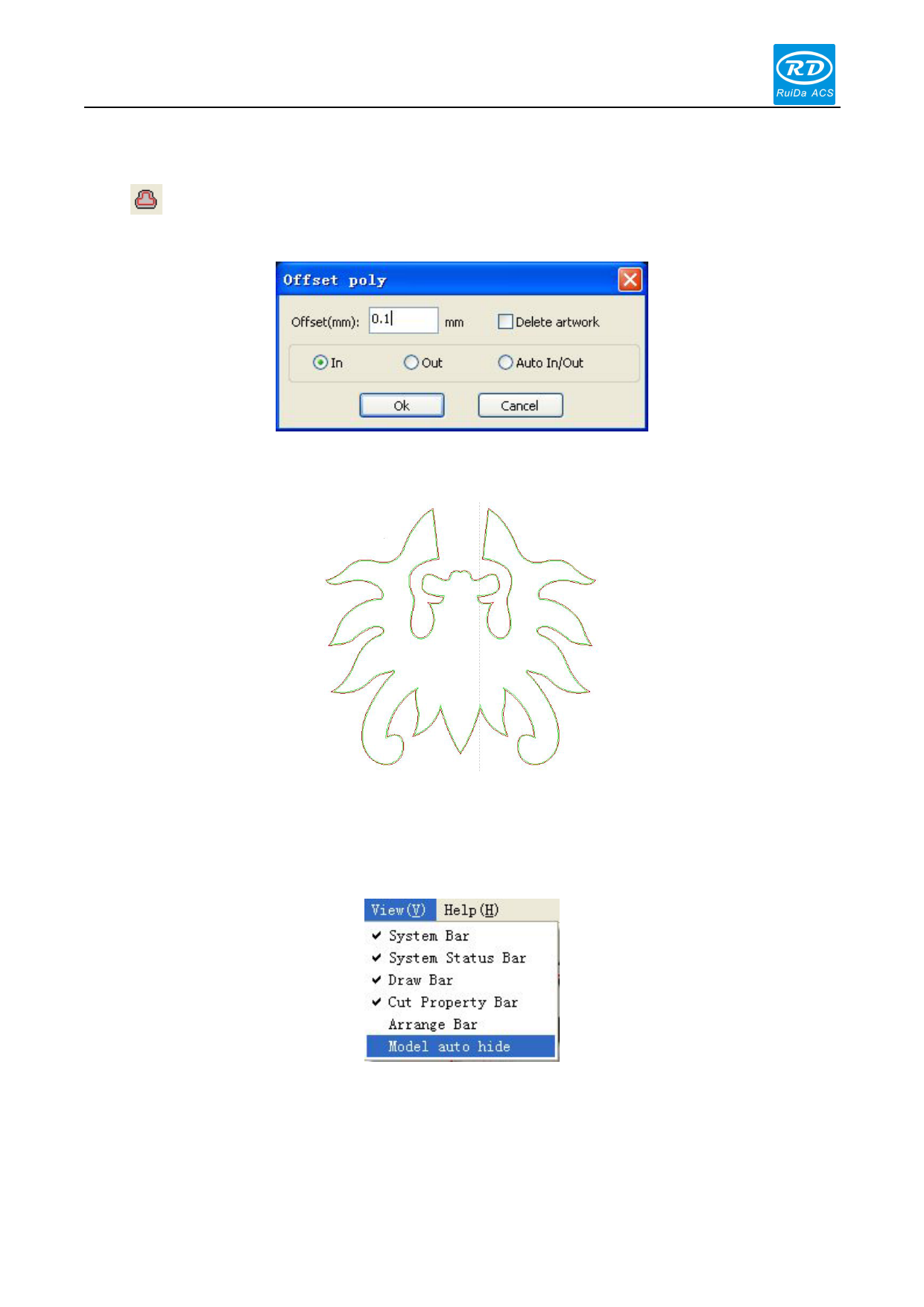
2.10.7 Generating parallel lines
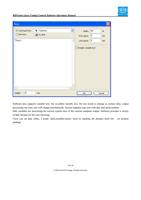
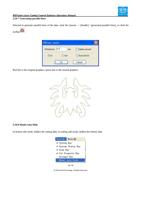
Selected to generate parallel lines of the data, click the [menu] - > [handle] / [generated parallel lines], or click the
toolbar .
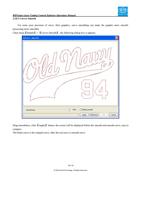
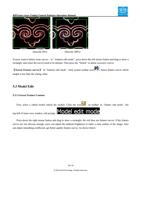
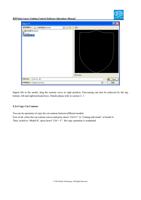
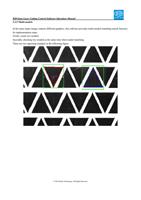
Red line is the original graphics, green line is the inward graphics.
2.10.8 Model Auto Hide
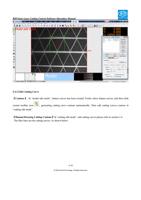
In feature edit mode, hidden the cutting data; in cutting edit mode, hidden the feature data.
34 / 81
© 2016 Ruida Technology. All Rights Reserved.